Editors
Open and edit the major file formats mobile apps use — plist, SQLite, JSON, Android SharedPreferences and more — in built-in editors. Formats that cannot be written back safely are available for viewing only.
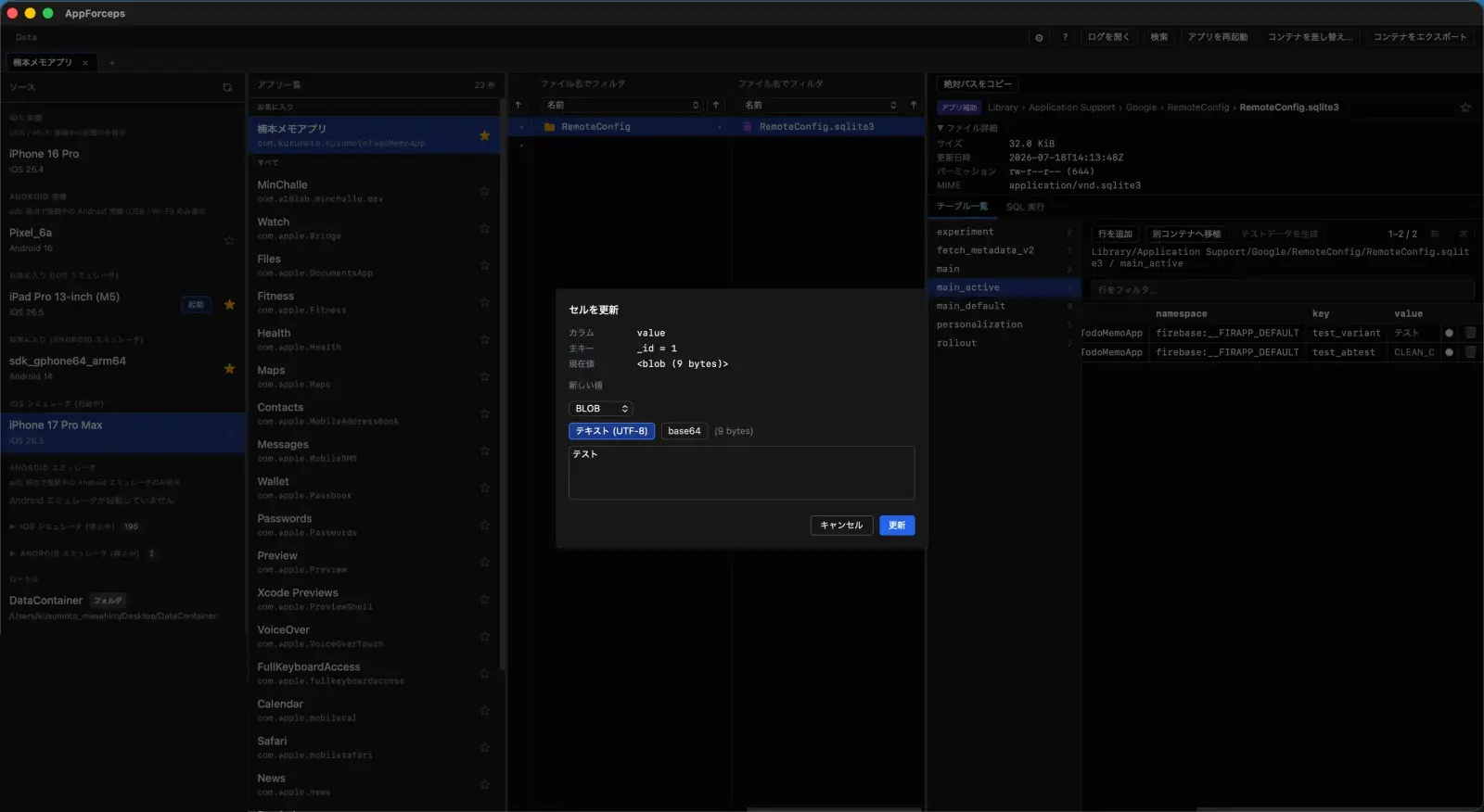
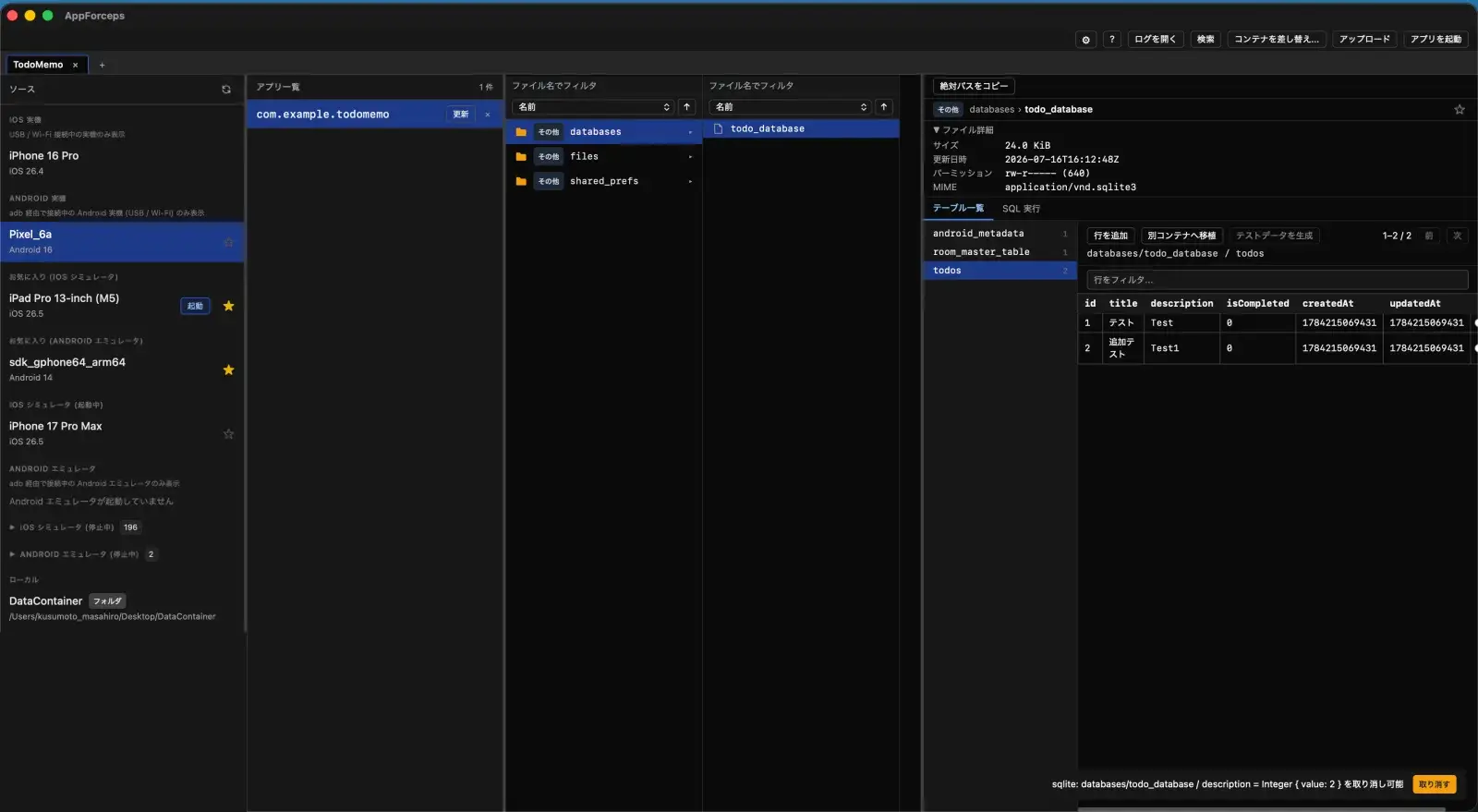
What the editors do
- Values are edited with their types. plist files are detected as XML or Binary automatically.
- SQLite supports cell-level updates and row insert / delete, plus a read-only SQL tab and CSV / JSON export.
- LevelDB (add / edit / delete key-value entries) and zip archives (edit text entries) are editable too.
- MMKV, NSKeyedArchiver-encoded plists, and gzip-compressed files open in dedicated viewers (view-only). Realm files are only detected by default, but become readable and writable once AppForceps has injected a dylib into the target app.
- Review a diff of your changes before saving (enabled in Settings).
- External file changes are detected automatically and reloaded.
- Upload files with drag and drop.
- Files in other formats can still be opened as text, hex, or an image.