launchd Manager
Overview
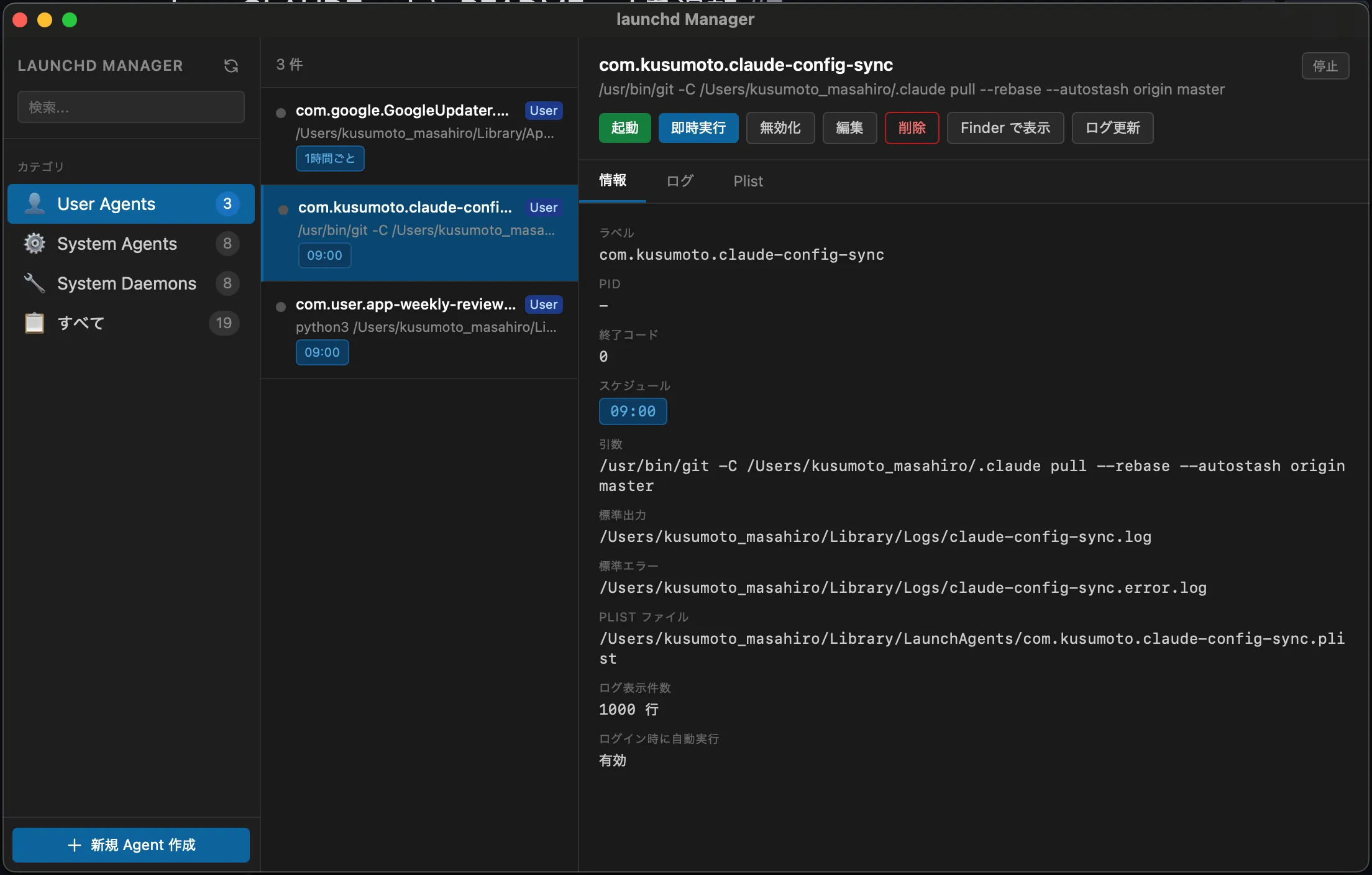
launchd Manager is a tool that lets you manage macOS launchd agents through an intuitive GUI. You can set up scheduled jobs and run-at-login automation without editing plist files by hand.
It is especially handy when you work across multiple Macs or have scripts you want to run on a regular schedule.
Key features
Intuitive GUI
No need to edit plist files. Configure agents through a form-based interface.
Real-time log viewer
Watch agent output in real time so you can check the results of each run at a glance.
Scheduled execution
Supports a range of schedule patterns such as daily, weekly, and monthly runs.
Easy installation
Homebrew support. Install with a single command and start using it right away.
Installation
You can install it with Homebrew.
brew install --cask kusumotoa/tap/launchd-managerUsage examples
For detailed implementation examples and how to use the tool, see the blog post below.
-
Automating your morning routine with launchd Manager
Implementation examples for Git-syncing Claude settings, collecting App Store reviews, and auto-starting a GitHub Actions runner